
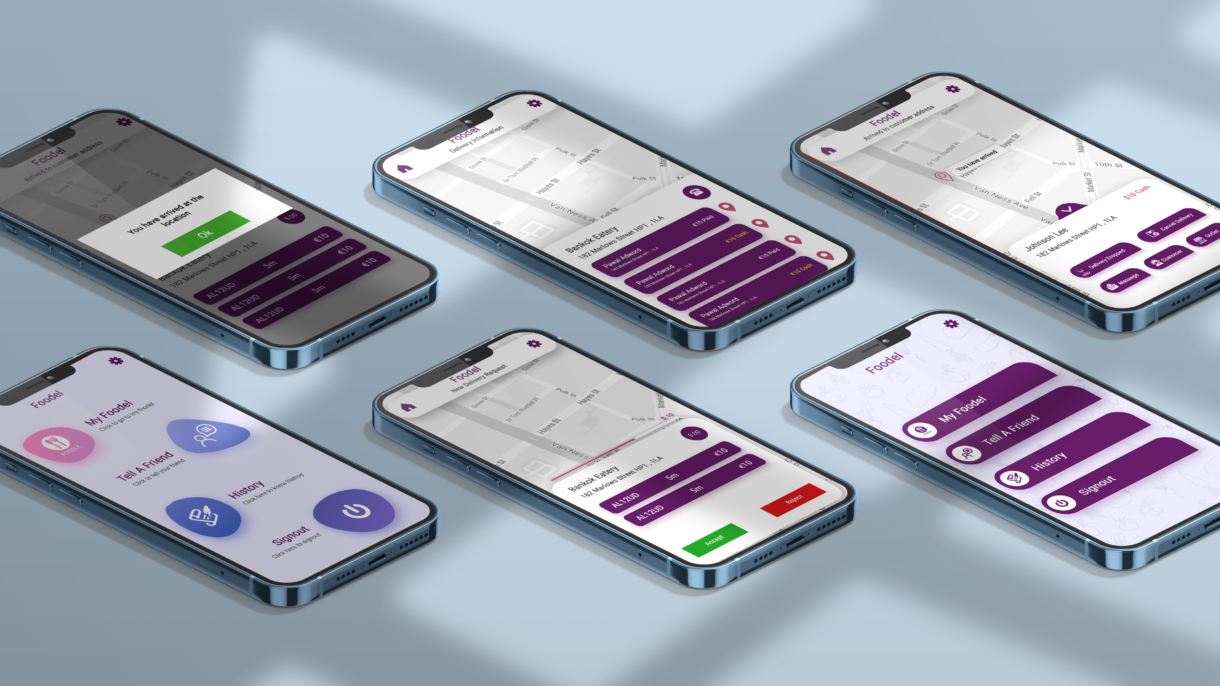
Foodel – Food Delivery Mobile Application
There is a wide variety of mobile applications is available for food delivery, I have designed the same with unique color combination..
- Client Confidential
- Date 2020
- Services Mobile Application
There are several food delivery applications and this app is related to the same on the admin side. This app was designed based on the client’s requirements which will be described below in detail.
Strategy
The overarching strategy for the Foodel admin app centers around creating a user-centric experience. This is achieved by giving paramount importance to a clean and organized location screen while placing a high priority on an easily accessible order list. The design aims to ensure a seamless experience for two key features, namely “Tell a Friend” and “Refer and Earn.” The strategy further involves maintaining visual consistency throughout the application and placing a premium on efficient navigation. The ultimate goal is to deliver an admin-side delivery application that is not only intuitive but also highly efficient.
Design
Based on the strategy decided thee screens of the foodel app is started wireframing and based on that, the final designing has begin. Later the final designs come up with screens which is describe below in detail.
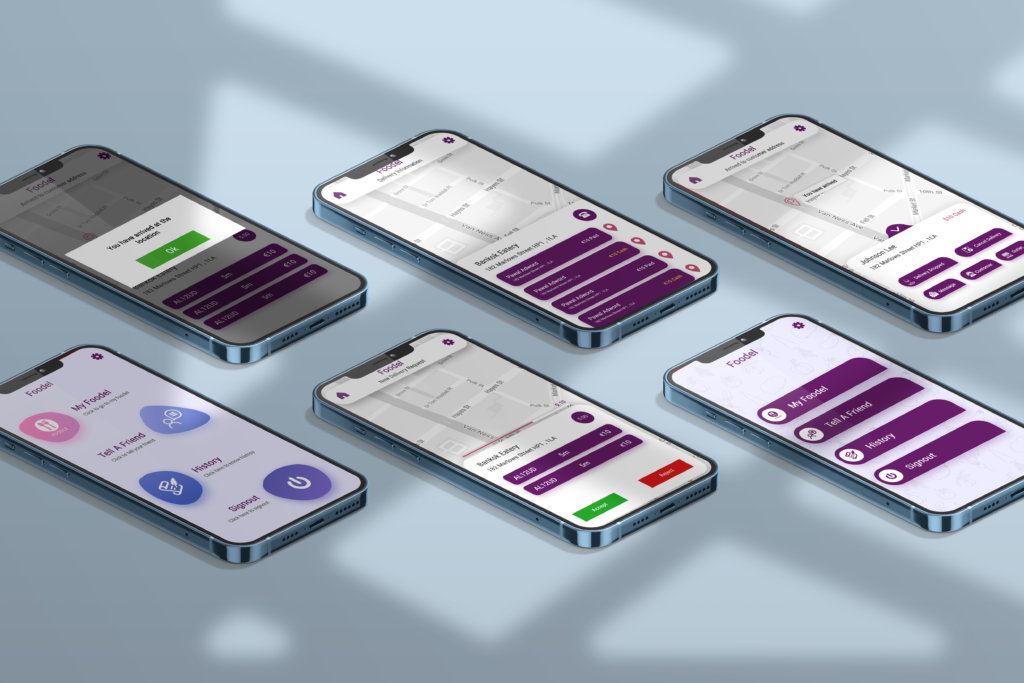
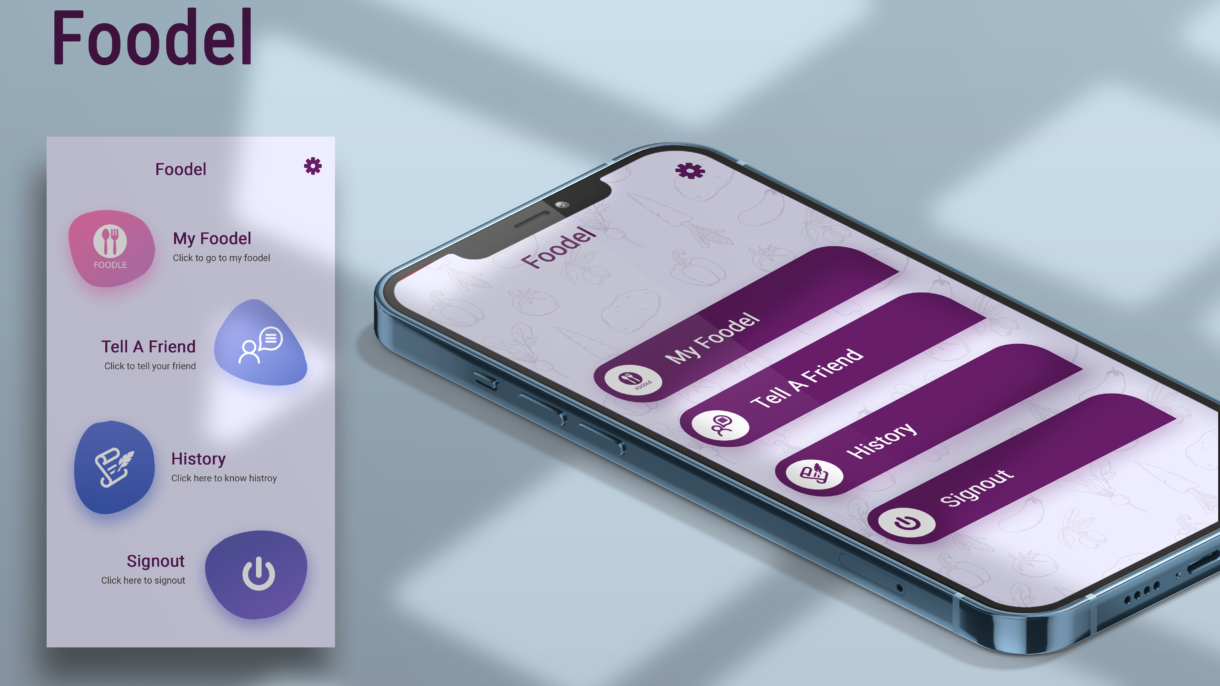
- Screen One: The initial screen features a menu with four distinct options – “My Foodel,” “Tell a Friend,” “History,” and “Sign Out.” Clicking on “My Foodel” redirects users to the home page. “Tell a Friend” encourages users to refer friends for additional benefits. The “History” option displays a comprehensive order history, and “Sign Out” facilitates a secure logout.
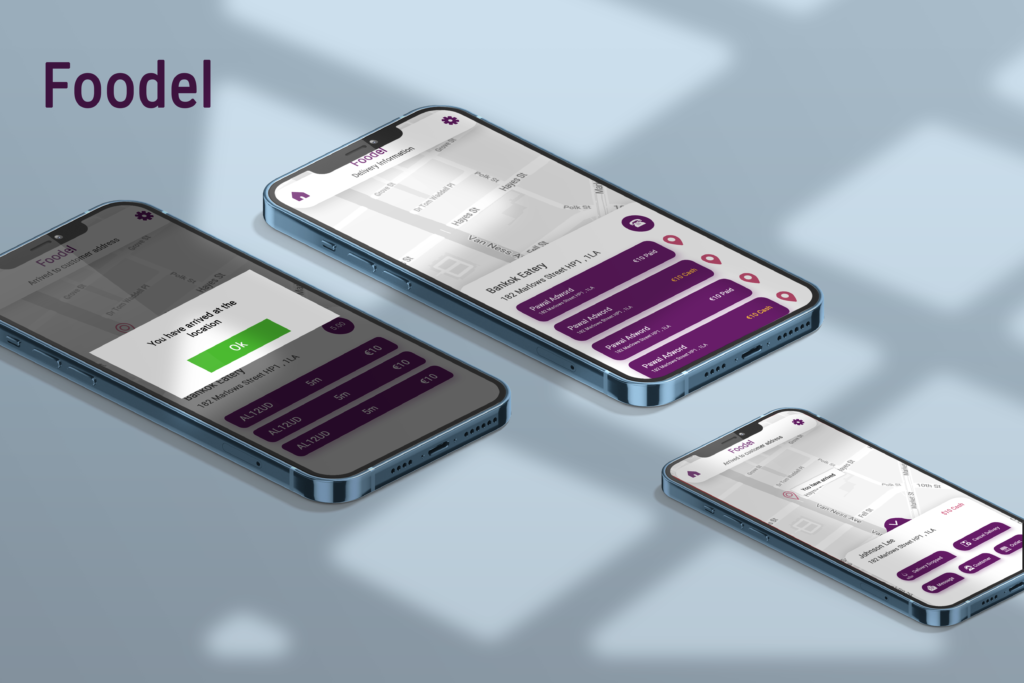
- Screen Two: The second screen integrates a map with an order list. Users can view the order location through a designated icon. Additionally, the screen provides information on whether the customer has already made the payment or if cash collection is required.
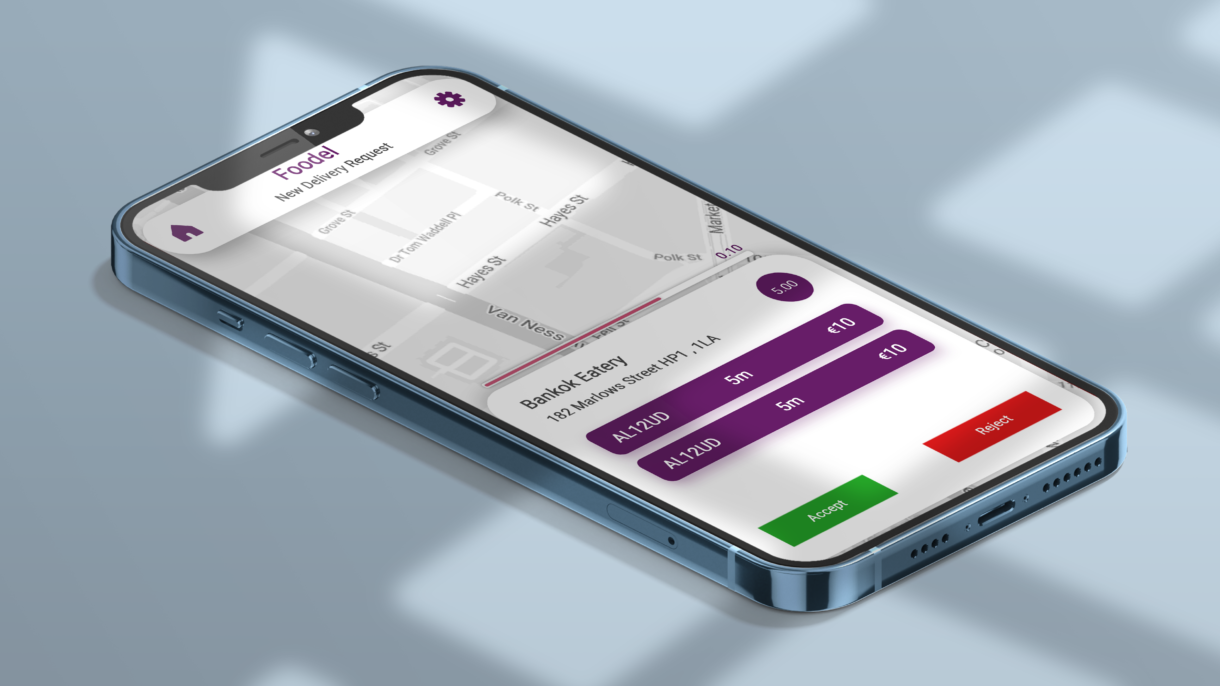
- Screen Three: This screen focuses on a specific order location, allowing the delivery person to either accept or reject the pickup request.
- Screen Four: Upon the delivery person’s arrival at the location, a popup notification appears, confirming the successful arrival and prompting the next steps.